Approve or reject current working year
Once a budget has been finalised and submitted for approval, it moves to the Budget Approval screen.
From this page, users responsible for reviewing the plan can take one of several actions.
Available actions
-
Approve
-
Confirms the proposed maintenance plan and budget as the official budget for the year.
-
Once approved, the year can't be edited anymore and becomes the authoritative version used for reporting and forecasting.
-
-
Reject
-
Sends the budget back for revision.
-
The plan is unlocked, allowing users to make adjustments and resubmit for approval.
-
-
Cancel Submission
-
If the budget was submitted in error, the user can cancel the submission.
-
This reopens the plan for editing without triggering an approval or rejection.
-
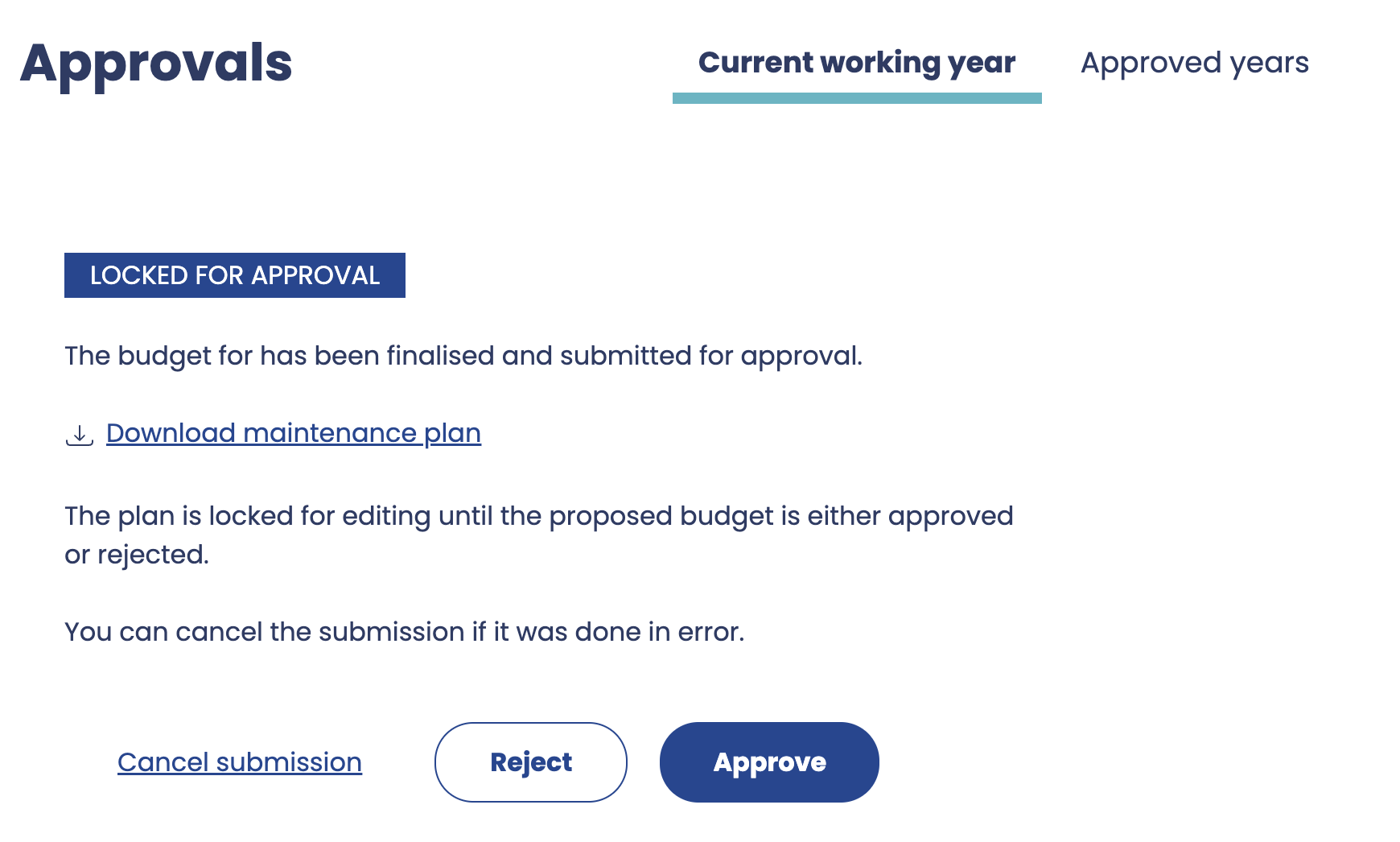
Reviewing the plan
Before approving or rejecting, the user can:
-
Download the Maintenance Plan PDF report for offline review or sharing.
-
Open the Maintenance Plan within the application to review details such as tasks, costs, and forecasts.
Locked during review
While a plan is awaiting approval:
-
No edits can be made to the maintenance plan and its tasks.
-
The budget remains in a read-only state until an action (approve, reject, or cancel) is taken.
Key points
-
Approval finalises the budget and prevents further edits.
-
Rejection unlocks the budget for revision.
-
Cancelling a submission reverses the submission process, allowing further edits before resubmitting.
-
PDF exports and in-app review tools make it easy to verify details before final approval.